In order to ensure your team gets paid for tips, you will need to enter and distribute daily POS tips.
1. In Harri, go to Workforce Management > Timesheet and select the day for which you want to enter tips.

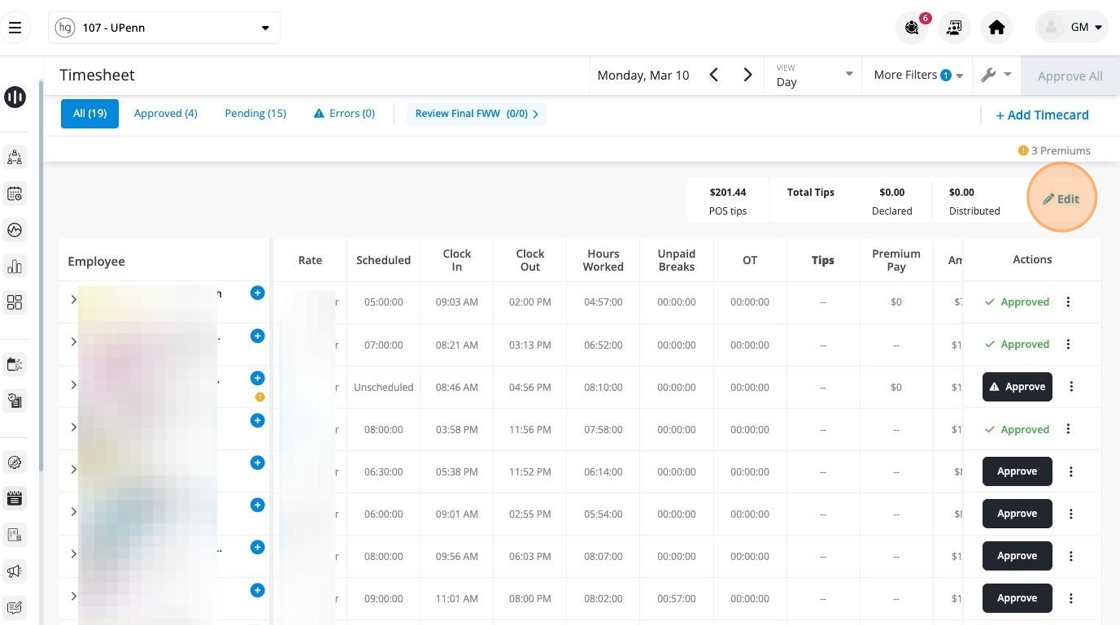
2. In the POS tips row, click Edit.
3. Click the Tips text field.

4. Enter the day's total tips.
5. Click Distribute.

6. Click Continue.

7. Click outside the pop-up box to exit the tip editing window.

NOTE:
If you make an edit to any of your team member's timesheets after distributing tips, you will need to redistribute tips to ensure each team member is paid appropriately.