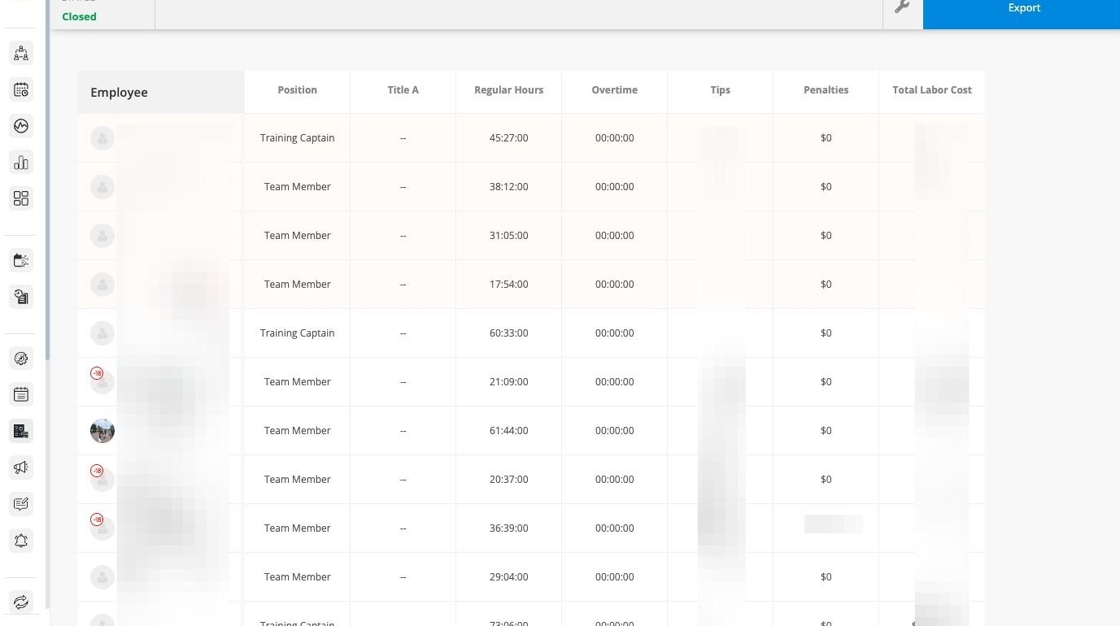
In order for payroll to be processed, you must close your Pay Data Sheet in Harri every pay period. This locks your team's timesheets and signals to the Payroll team that your timesheets are accurate and ready to be paid out.
You must close your Pay Data Sheet every other Monday (at the end of a pay period) at opening.
1. In Harri, go to Workforce Management > Pay data sheet

2. If you see a red Resolve to Close Pay Data Sheet warning, you cannot move forward with closing the pay period until you:
- Resolve all timesheet errors (missed punches, providing reasons)
- Approve all timesheets
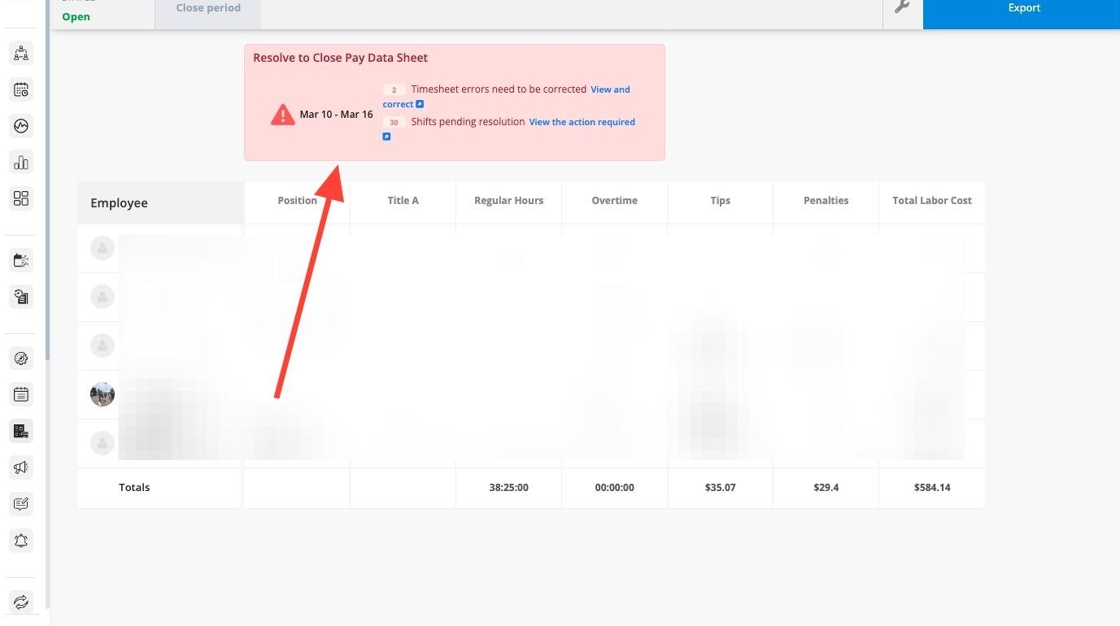
3. Select the appropriate pay period.

4. Click Close period.

5. The pay data for this pay period is now closed, which allows payroll to be processed.
- Note - you do not need to press the blue "export" button.