The StateFoodSafety (SFS) training course prepares you for the food safety manager exam.
Jump to: StateFoodSafety frequently asked questions
1. In Ignite, open the Training: Food Safety Manager Certification course.
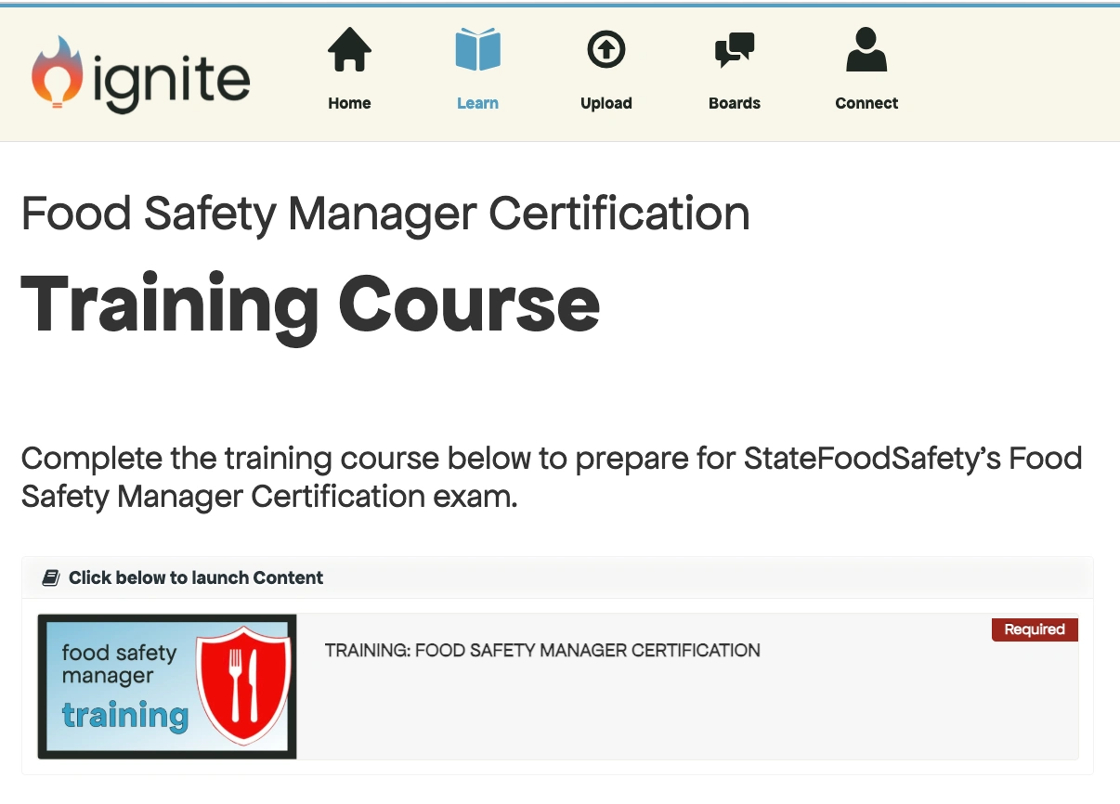
2. Fill out your information, exactly as you want it to appear on your certificate.

Not seeing the screen above? If you're seeing the screen below instead of the white account setup screens, follow these steps to disable pop-up blockers on the iPad.
3. Click Submit.

4. Select your state from the dropdown.
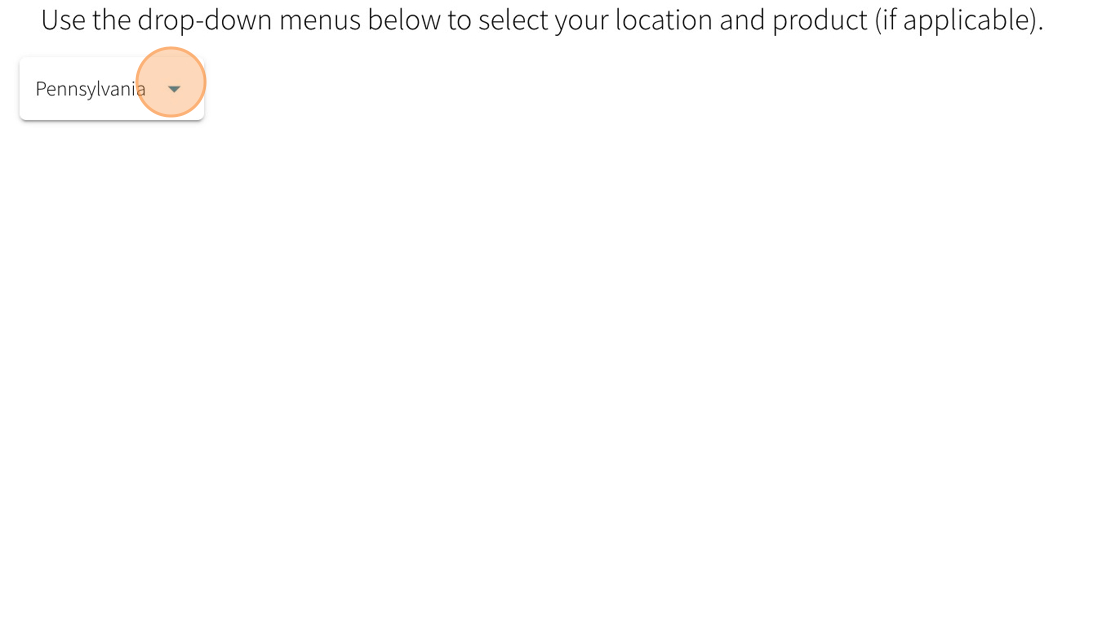
5. You'll see a confirmation of the certification package that applies to your state. Click submit.

6. Select your language.

7. Click OK.

8. Verify your name and click OK.
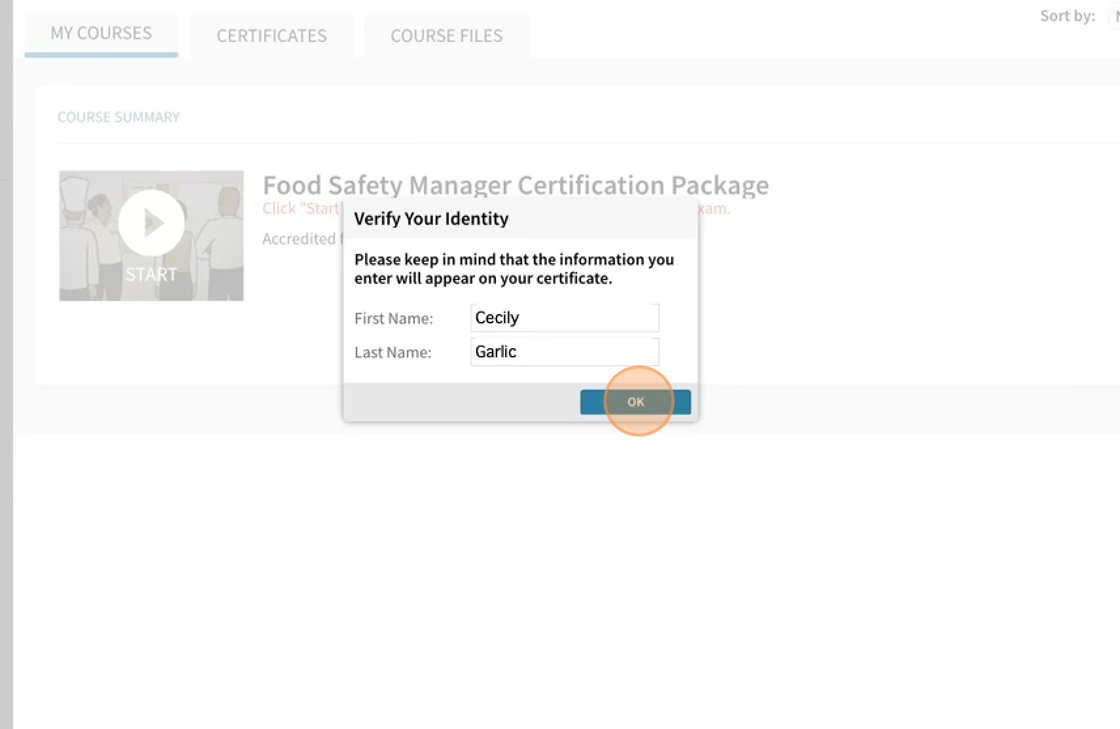
9. The training course tutorial pops up. Click anywhere to exit the tutorial.

10. Click Next Slide to begin.

11. You've begun the training course. Complete this course and the practice test to prepare for the exam.
