All food safety manager exams must have an in-person proctor, like a DM or GM. Once you are with your proctor and ready to take the StateFoodSafety (SFS) Food Safety Manager exam, follow the steps below.
1. In Ignite, open the Food Safety Manager Exam.
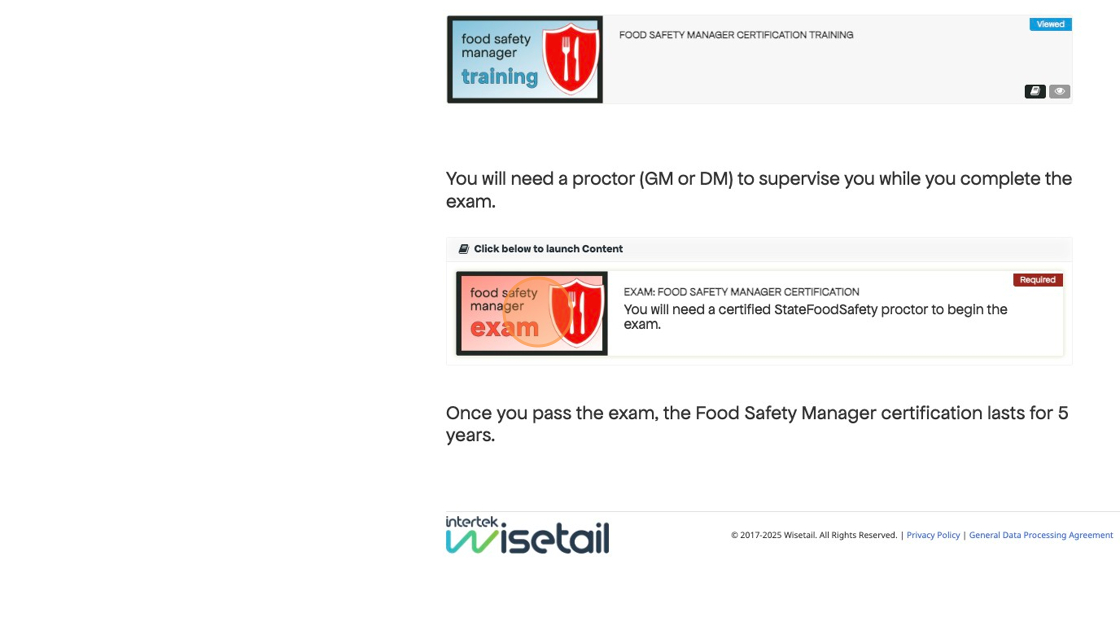
2. Enter your information and click Submit. If you already have a StateFoodSafety account linked to Ignite, you may not be required to re-enter your information.

3. Select your state from the dropdown.
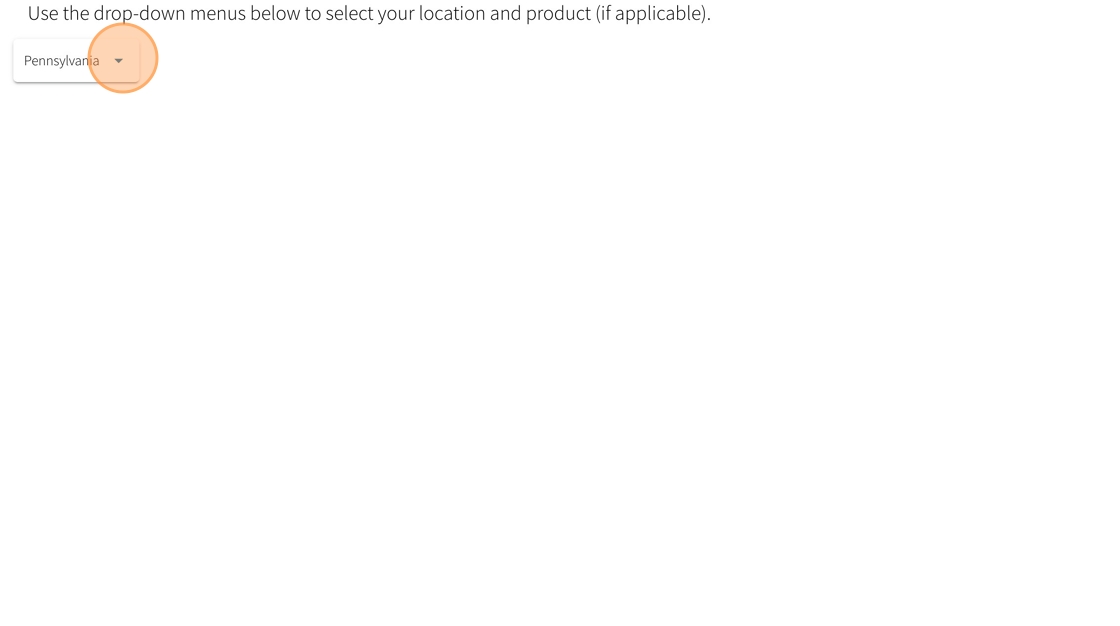
4. Click Submit.

5. Select your restaurant and click Submit.

6. Select your preferred language and click OK.

7. Verify your name and click OK.

8. Ask your proctor for the Session ID. Enter the ID and click Submit.

9. Read and accept the exam agreement. This will take you to the exam.

10. Once you've completed the exam, click OK to this pop-up.

11. You'll see your pass/fail status and your score breakdown. You can click Courses to go back to your dashboard.

12. From here, you can download and print your certificate.
