A proctor must be present in order for someone to take the StateFoodSafety (SFS) food safety manager exam. Proctors monitor the exam and ensure all exam requirements are met.
GMs+ are eligible to become SFS proctors. To become a proctor, you must complete a 20-minute training and then submit a proctor application. Proctor applications are approved within 10 business days.
Jump to:
- Complete Proctor Training
- Submit Your Proctor Application
- Required Steps for Ohio Proctors
-
Proctor the SFS Exam
Complete Proctor Training
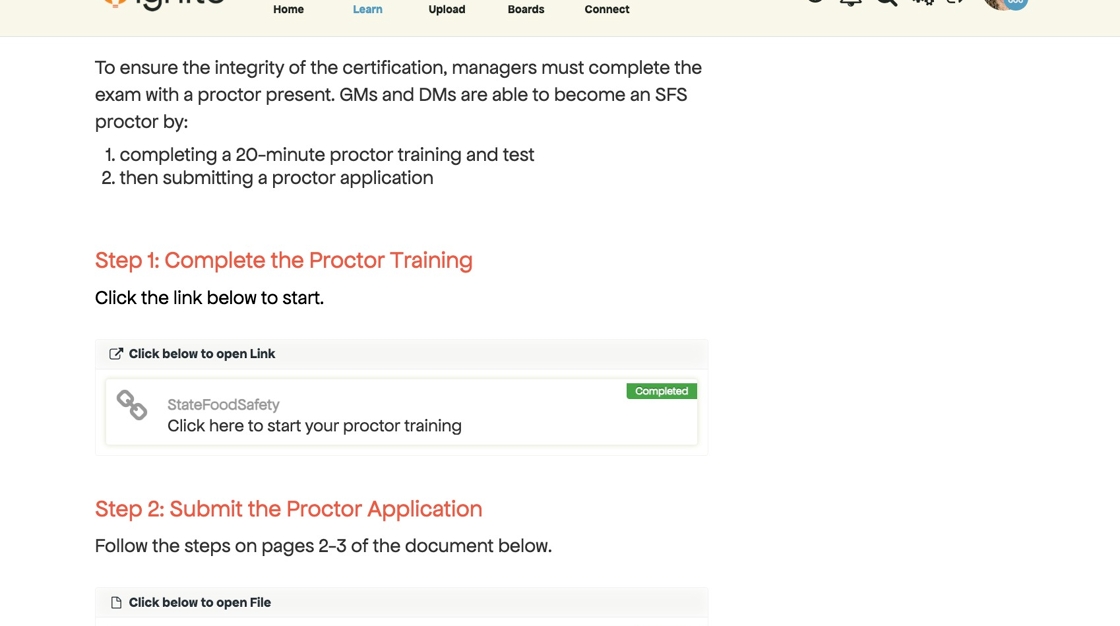
1. Search for "proctor" in Ignite. Click the link in the SFS Proctor module to start your training.
2. If you already have a StateFoodSafety account (example: you've already taken the SFS food safety manager exam) — enter your username and password, then click Login.
3. If this is your first time using StateFoodSafety, click Create Account.

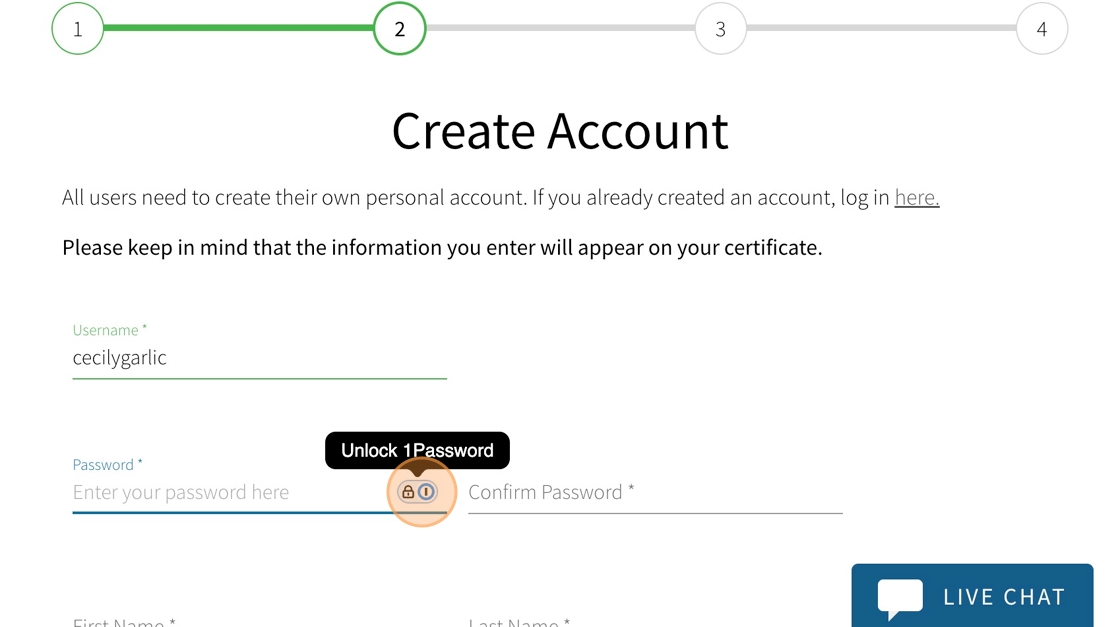
4. Create a username, password, and enter your personal info.
5. Once you create your account, you'll see this pop-up. Click Confirm.
While this screen looks like a bill, the dollar amount should be $0. As a benefit, honeygrow provides the proctor training at no cost.

6. Click Start Now.

7. Verify your name and click OK. Then click Start to begin your proctor training.

8. Enter your mailing address and click OK.

9. Select Yes or No from the dropdown for "Will you be administering exam sessions in Ohio?"
-
If there's a chance that you may proctor exams in Ohio, you MUST:
Register as a proctor with the Ohio Department of Health.
Report exam scores to the Ohio Department of Health every time you proctor an exam with a passing score.
See this article for Ohio's food safety certification requirements.
10. Type the language(s) you speak. Then click OK.

11. Click Start on the Proctor Training course to begin.
12. Complete the proctor training and assessment.

Submit Your Proctor Application
13. Click the home icon that says "courses."
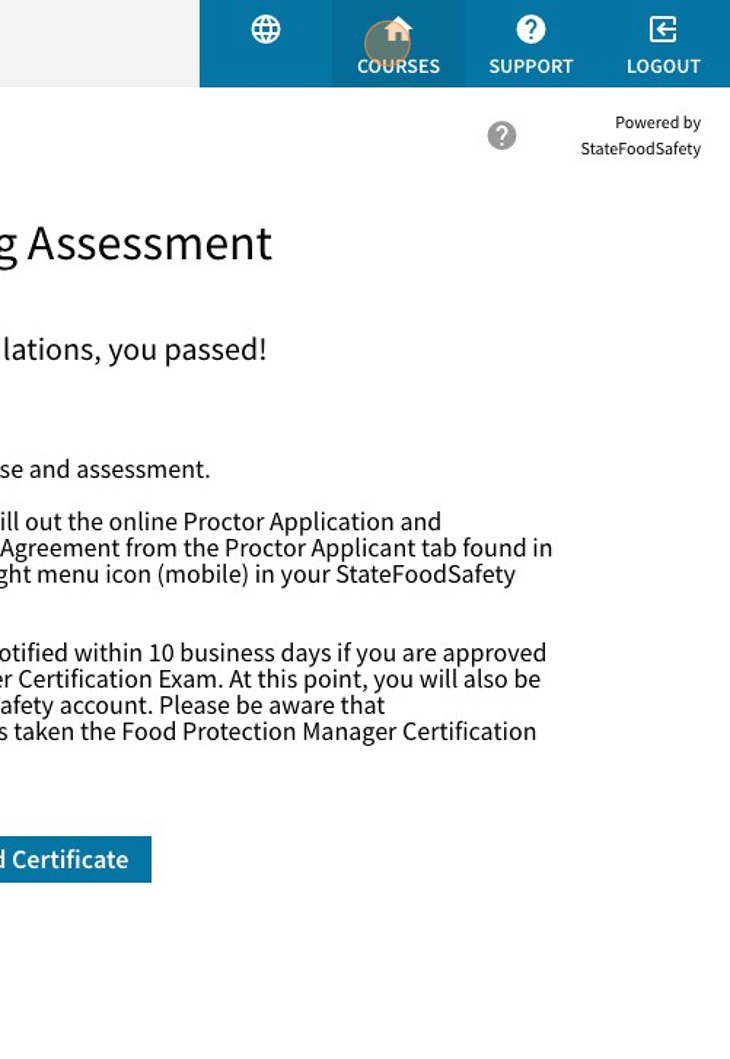
14. Click Proctor Application.

15. Agree to the Terms and Conditions then click Submit Form for Review.

16. Click Confirm.

17. Click OK. You'll receive an email once your application is approved.
